

Connecting GitHub & Version Control
Two-way synchronization between Rayvotech Tools and your personal or organizational GitHub repositories.
Two-Way Synchronization
With GitHub synchronization enabled, every modification in Rayvotech Tools can automatically generate git commits and pull requests. Conversely, developer pushes to main trigger automated builds in Rayvotech Tools.
Connecting Your Repository
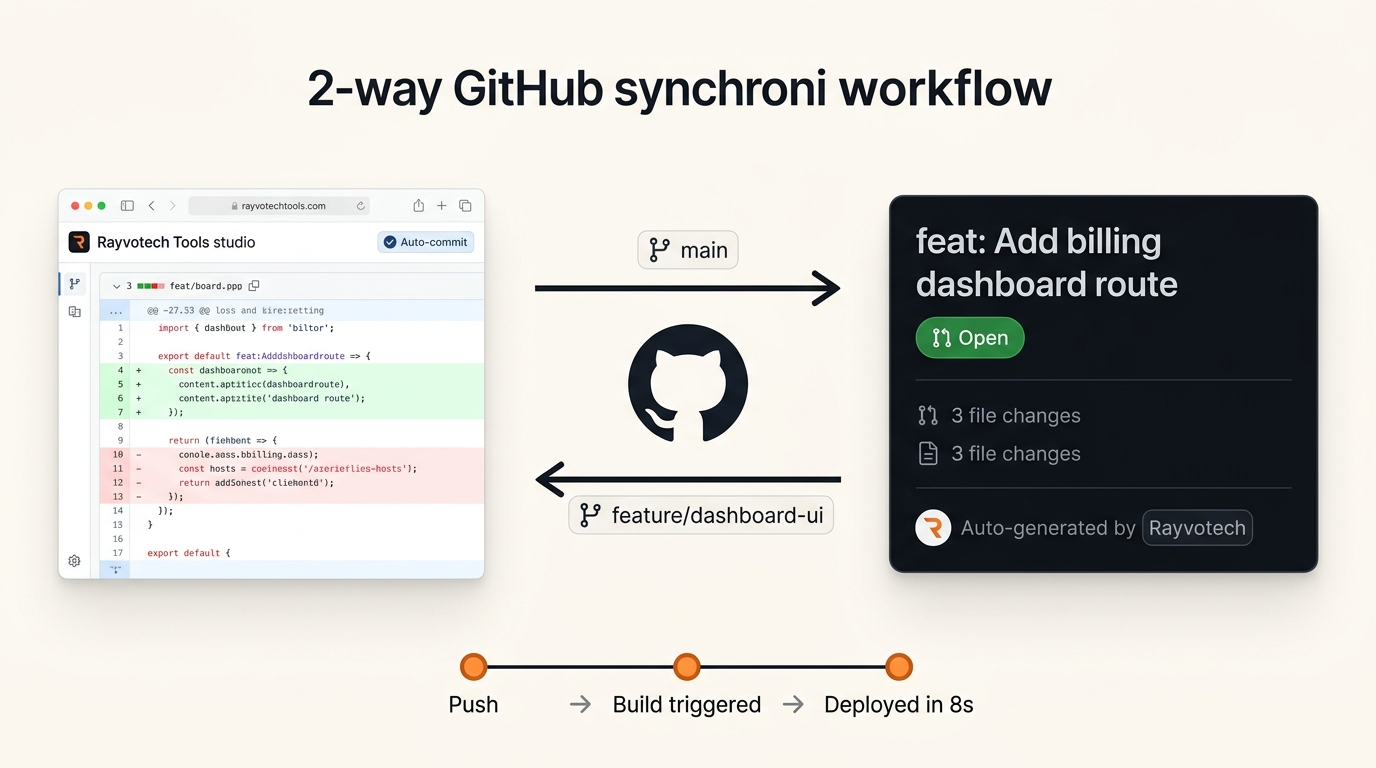
Connecting GitHub enables continuous synchronization between Rayvotech Tools and your production code repository:
Navigate to Project Settings > Integrations > GitHub. Grant read/write repository access to your personal account or organization.
Select an existing repository or create a new private repo directly. Designate your target production branch (e.g. main).
Modifications in the Rayvotech Studio automatically create clean git commits with descriptive messages. Pushes from external IDEs trigger instant hot-reload rebuilds.